How to Make a Christmas Dance AI Video
Last updated:
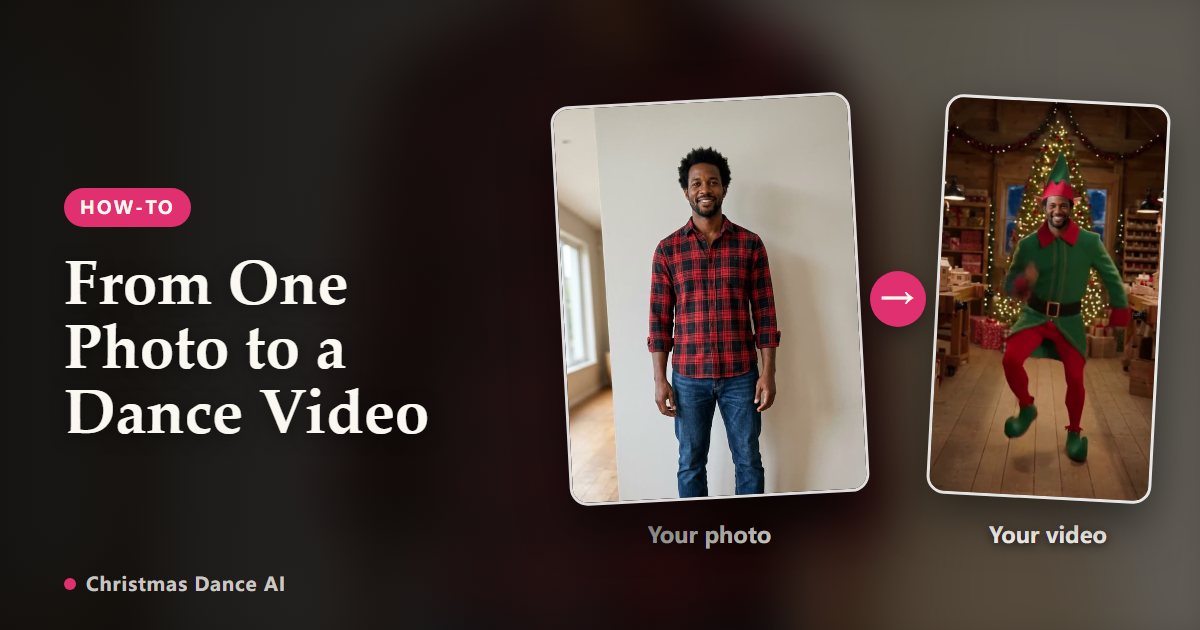
You can make a Christmas Dance video in about five minutes. Here is the whole process, plus the photo tips that make the biggest difference.
1. Pick the right photo
Choose a recent, sharp photo of one adult looking at the camera. Full body or waist up works best because the routine moves the whole body. Even daylight beats a dim room; avoid sunglasses, masks and beauty filters.
You don’t need a costume for an elf dance video: the Elf Dance style adds it for you. For a Santa look or a Christmas sweater, wear it in the photo and pick Christmas Party, which keeps the outfit you are wearing.
2. Upload, then choose a style and a length
Sign in and drop the photo into the generator. Pick Elf Dance to become an elf in Santa’s workshop, or Christmas Party to dance in your own outfit in a festive living room. Then pick a length: the short clip is perfect for a group chat reaction; the full version follows the complete routine for Stories and Reels.
3. Confirm consent and generate
Tick the consent box to confirm the photo is of you, or of an adult who said yes, then start the render. It usually takes a few minutes and you can leave the page while it works.
4. Download and share
When the video is ready, download the vertical MP4 and send it on WhatsApp, Messages or Messenger, or post it to TikTok, Reels and Shorts. Add your own festive song in the app you post with if you like.
If the result looks off
Most problems come from the photo: a face turned away, heavy shadows, a cropped head or several people in the frame. Try a brighter, front-facing photo. If a render fails, the credits come back to your balance automatically.
Your Christmas Dance video is one photo away
Create my video