Is Christmas Dance AI Free? Prices
Last updated:
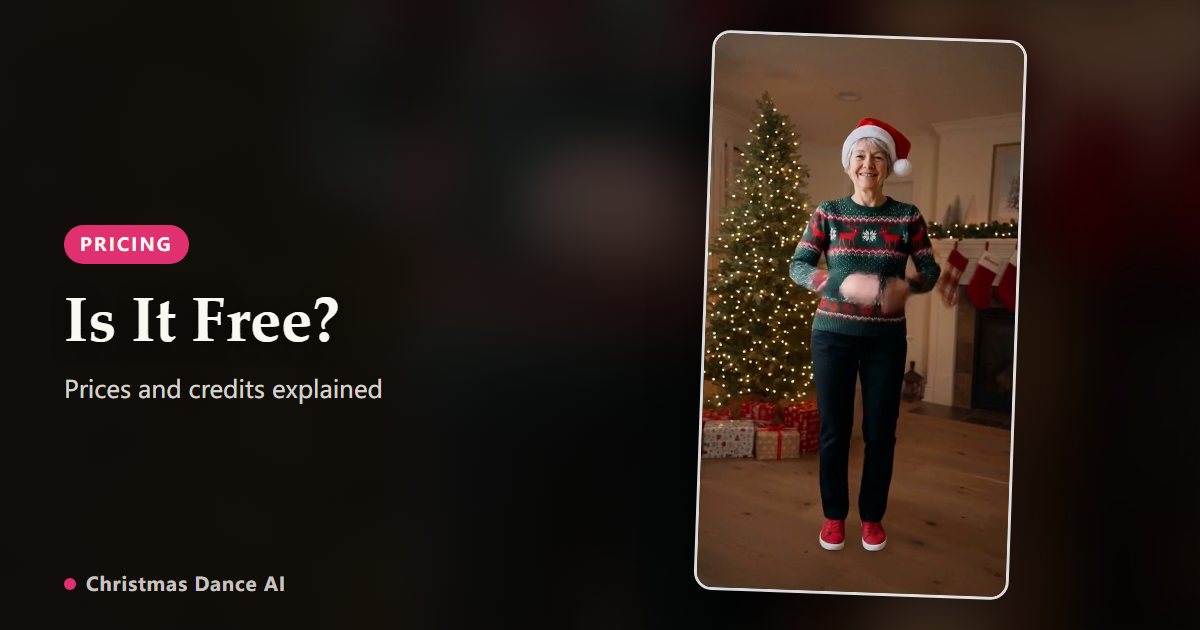
No, Christmas Dance AI is not free. Every video is rendered on paid AI models, so each one is paid for with credits. The cheapest option is $4.99 for 6 credits, enough for 1 6-second video, and the credits come back automatically if a render fails.
What a video costs
One second of video costs one credit. The lengths are 6 seconds (6 credits), 12 seconds (12 credits), 18 seconds (18 credits).
Credit packs: $4.99 for 6 credits; $9.90 for 18 credits; $19.90 for 48 credits; $29.90 for 84 credits. Pack credits never expire, so leftovers are still there next December. Monthly and yearly plans are optional; you never need one to make a video.
Prices are in US dollars. Taxes, if any, are added at checkout by our payment partner.
Why there is no free trial
Each render runs two AI models: an image model that places you in the first frame, then a video model that animates the whole routine. Both charge us per image and per second, whether the video is shared or not.
Free renders tend to be used up by bots and repeat sign-ups, and someone has to pay for them. Instead of raising every price to cover that, we keep the smallest pack cheap and let you see the results first: the demos on the home page are real renders from the same models.
What happens if a render fails
If a render fails for any reason, from a photo the model cannot use to a problem on our side, the credits are returned to your balance automatically and the video shows “Credits refunded” in My videos. You only pay for videos you get.
Free alternatives and their trade-offs
Dance filters in social apps are free, but you have to learn the routine and film yourself. Free AI photo-dance templates in video-editing apps animate one photo to a general dance, not a Christmas scene. Face cut-out ecards paste your face onto an animated body and usually sell a yearly membership.
If you want a realistic you in a Christmas routine, downloadable as a vertical MP4 without a subscription, Christmas Dance AI is built for exactly that.
How to spend as little as possible
Start with the 6-second length to check that your photo works, then make the full routine once you like the result. Most disappointing results come from the photo, so a minute spent picking a sharp, front-facing one saves credits.
Your Christmas Dance video is one photo away
Create my video