Christmas Dance AI vs CapCut and JibJab
Last updated:
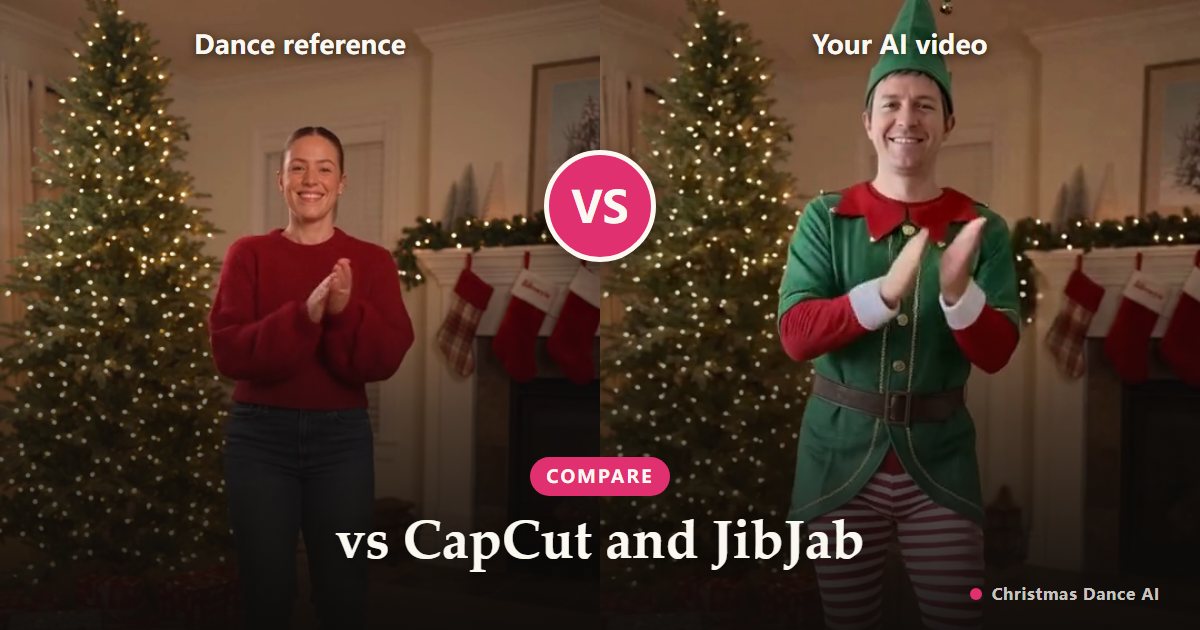
Short answer: CapCut’s AI photo-dance templates are the quickest free way to make any photo dance; JibJab puts cut-out faces on animated characters and sells a membership; Christmas Dance AI makes a realistic you perform a Christmas routine, paid per video with no subscription needed.
CapCut AI photo-dance templates
In the CapCut app or on its website you pick an AI dance template, upload a photo and get a short clip of you dancing to a trending track. It is free or close to it, and very fast.
The trade-off is choice: templates come and go with the trends, and most are general dances rather than Christmas scenes, so finding a festive one can take some searching.
JibJab ecards
JibJab is the classic dancing-face ecard: you choose a card, add one or more faces and send a link. The look is a cut-out face on a cartoon body, which is the joke, and it works with several people in one card.
Most cards need a membership; its help center lists $36 per year (checked October 2026).
What Christmas Dance AI does differently
The whole person is animated, not just the face, so the video looks like you actually dancing: your face, hair and body shape, in a scene made for Christmas. Choose Elf Dance for a full elf costume in Santa’s workshop, or Christmas Party to keep your own outfit in a decorated living room.
You get a vertical MP4 file to post anywhere. You pay with credits, from $4.99 for the smallest pack, and failed renders are refunded automatically. Each video stars one adult, and you sign in with Google.
Which one should you use?
Want something free with any dance, and don’t mind searching templates? Use CapCut. Want a cartoon card with the whole family in one clip? JibJab fits. Want a realistic you doing a Christmas routine for TikTok, Reels or the family chat? That is what we built.
Features and prices of other products change; check their own sites for current details.
Your Christmas Dance video is one photo away
Create my video