Add Music to Your Christmas Dance Video
Last updated:
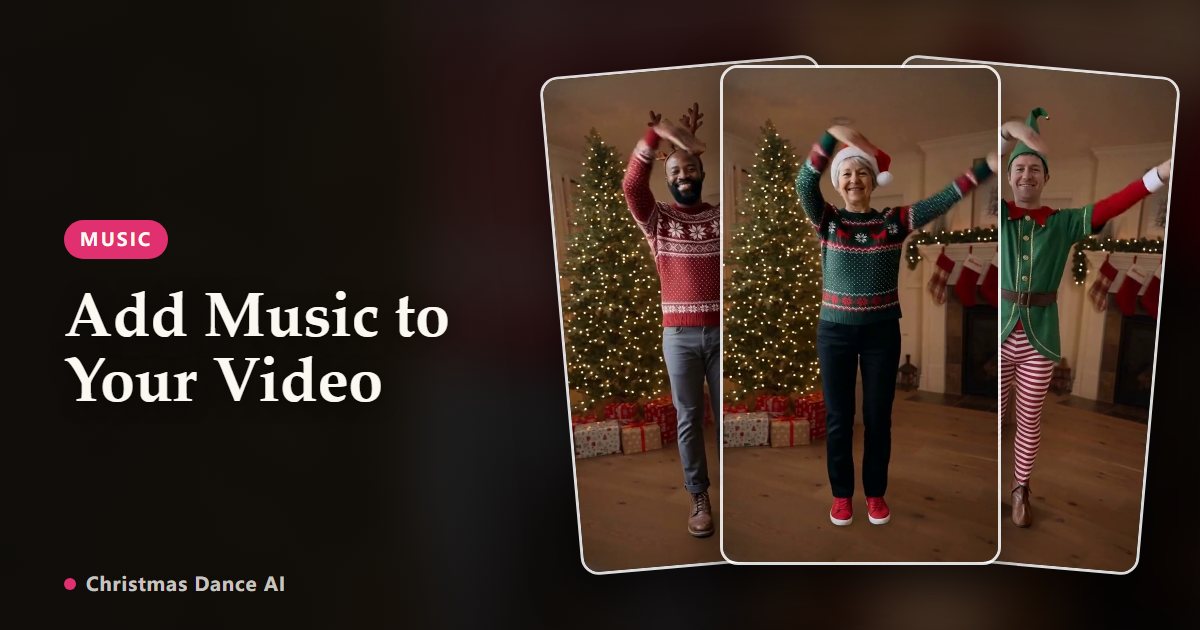
Videos from this site are silent on purpose, so they never get muted for copyright. Add the song in the app where you post it: TikTok, Instagram and YouTube all have licensed Christmas tracks, and it takes under a minute.
TikTok
Upload the MP4, tap Add sound (or the Sounds button) in the editor and search for a Christmas track. Drag the clip in the sound panel to start at the chorus, then post. Business accounts can only use the Commercial Music Library.
Instagram Reels
Create a new Reel, pick the video from your gallery, tap the music icon and search for a song. Use the slider to choose the part that matches the dance. Some professional accounts see a smaller music library.
YouTube Shorts
Upload the vertical video as a Short and tap Add sound to choose from the Shorts music library. Shorts can be up to a few minutes long, so any length from this site fits.
WhatsApp, Messages and email
Messaging apps send the video as it is, without music. To include a song, add it first in a video editor such as CapCut (Audio → Sounds) and export, or send the silent clip and let the dance speak for itself.
Matching the beat
The routines are not cut to a specific song, so pick a track with a steady, upbeat tempo, around 110–130 BPM. Start the music on a strong beat at the first big move; on a short clip nobody notices if it is not perfect.
Your Christmas Dance video is one photo away
Create my video