Christmas Dance AI vs Viggle and Kling
Last updated:
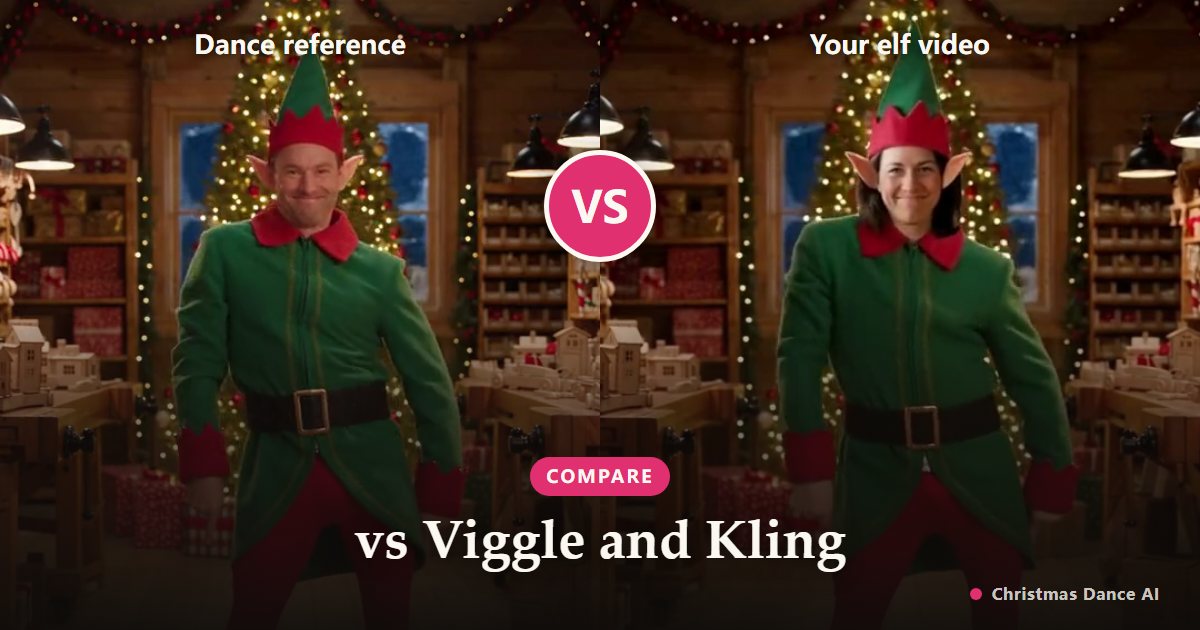
General AI video apps such as Viggle and Kling can make almost any photo move, but you supply the dance, the scene and the prompt yourself. Christmas Dance AI does one thing: a ready-made Christmas routine and scene from one photo, paid per video with no subscription.
Viggle
Viggle animates a character image with motion from a reference clip or template. To get a Christmas dance you choose or upload the dance yourself, and you build the festive look separately.
Its free plan carries a watermark and a daily limit; paid plans are monthly subscriptions starting at a few dollars a month billed yearly (viggle.ai pricing page, checked October 2026).
Kling and other general video models
Kling and similar models turn an image and a text prompt into video. The quality can be excellent, but getting a specific routine in a Christmas setting usually takes several prompt attempts, and each attempt uses credits from a subscription.
What Christmas Dance AI does differently
You make no prompt and need no reference video. Pick Elf Dance (a full elf costume in Santa’s workshop) or Christmas Party (your own outfit in a decorated living room) and a length. The routine, scene and camera are already tuned for one adult dancer.
You pay per second of video with credits, from $4.99, with no subscription. Failed renders are refunded automatically, and the vertical MP4 has no watermark.
Which one to use
Want to experiment with any dance, character or meme all year? A general tool like Viggle or Kling fits better. Want a Christmas dance video of yourself in a few minutes, without learning prompts or paying a monthly fee? Use the generator on our home page.
Features and prices of other products change; check their own sites for current details.
Your Christmas Dance video is one photo away
Create my video