Christmas Video Card From a Photo
Last updated:
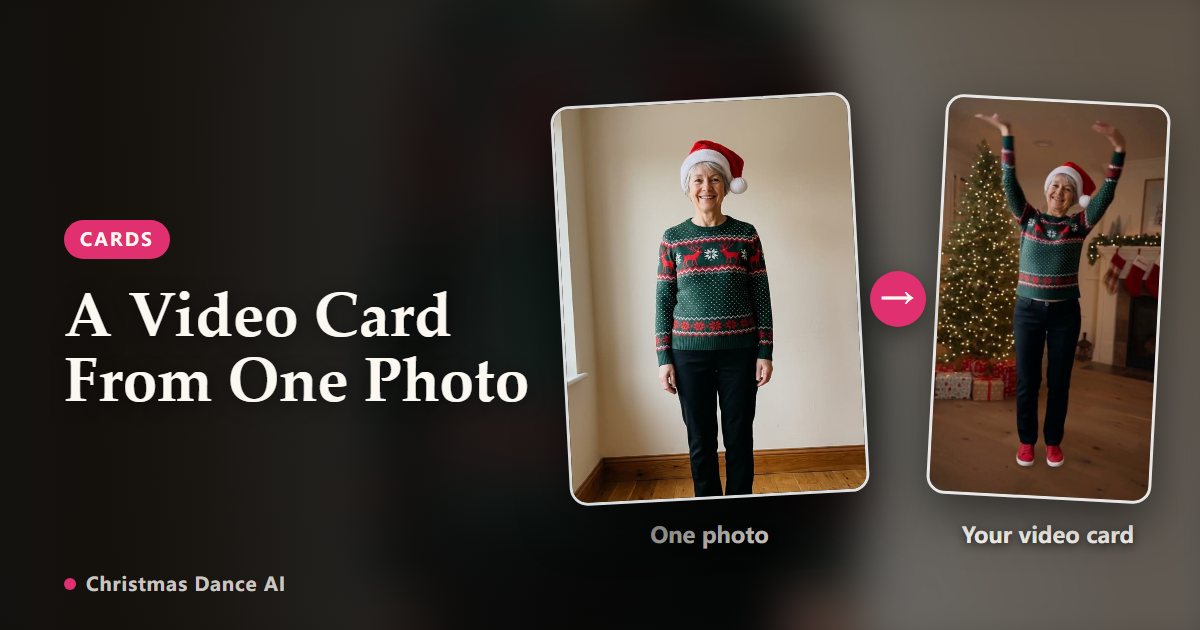
A dancing clip of you is a Christmas card people actually open. Make it from one photo with Christmas Dance AI, add a short message and send it the way your family already talks: a messaging app, email or a link.
Make the clip
Upload one clear photo, pick Elf Dance or Christmas Party and a length. The 6-second clip is enough for a card; the full routine suits a longer greeting. The vertical MP4 is ready in a few minutes.
Add your message
Write the greeting in the message you send with the video: names, wishes and an inside joke work better than a long letter. To put text on the video itself, add a caption in CapCut, TikTok or Instagram before you share.
Ways to send it
WhatsApp, Messages and Messenger play the MP4 inline. For email, a link is more reliable than an attachment: turn on sharing for the video in My videos to get a private page anyone with the link can watch, no sign-in needed. You can stop sharing at any time, and the page is hidden from search engines.
Finished videos are kept for 30 days after they finish, so download a copy if you want to keep the card for next year.
A card for the whole family
Each clip stars one adult. For a family card, make one clip per adult who agrees and send them in a row, or join them in any video editor. Photos of children are not allowed.
Timing
Clips render in minutes, but make your cards a few days before Christmas: the queue is longest on the evenings right before the holiday.
Your Christmas Dance video is one photo away
Create my video