Christmas Dance AI Video Generator
Do the viral Deck the Halls duo dance from TikTok without filming anything. Add two photos and get the full routine with the trend sound. One photo works too: become an elf in Santa’s workshop or dance by the tree in your own outfit.
Create your video
1Your photo
Best results: one person or one pet, facing the camera, even lighting, head and shoulders visible (for a pet, the whole body). Avoid sunglasses, masks and heavy filters. Rendered with Nano Banana 2 (Google Gemini) and Kling 2.6 (Kuaishou).
2Dance style
3Length
The duo originals are TikTok videos, credited to their creators; the solo originals were made for this site. Sample people are AI-generated and fictional; the corgi is a real dog from a CC0 photo.
The catch
Why most people never film their own Christmas Dance video
December is already full
Between parties, shopping and travel, nobody has an evening free to learn a routine and shoot it.
The set is half the joke
A festive clip needs a decorated tree, warm lights and a clean frame. Most living rooms look nothing like that on camera.
Cartoon filters miss the point
Pasting a face onto a cartoon body looks the same for everyone. The fun is seeing the real person, outfit and all, pull off the moves.
Side by side
Filming it yourself vs. using Christmas Dance AI
| Filming it yourself | With Christmas Dance AI |
|---|---|
| Learn the routine in a busy week | No dancing needed, one photo is enough |
| Hunt down an elf costume that fits | The elf costume comes with the video |
| Decorate a corner and set up a tripod | Santa’s workshop or a festive living room, already built |
| Retake until the timing lines up | Every move lands on the beat |
| Edit and export on your phone | Download a finished vertical MP4 |
How it works
How to make a Christmas Dance AI video in 3 steps
- 1
Upload one clear photo
One person or one pet, facing the camera, in even light; for a duo, one photo per person. JPG, PNG or WebP up to 10 MB.
- 2
Choose a length
Take a short hook or the full routine. Solo styles cost one credit per second; a duo is always the full clip.
- 3
Generate and download
The render finishes in a few minutes. Download the MP4 without a watermark and post it anywhere.
Made with Christmas Dance AI
One photo in, one finished clip out
No editing timeline, no green screen, no costume shopping. Upload a clear photo, pick a style and a length, and the render keeps every beat of the holiday routine.
Couple Duo · Two photos, the viral Deck the Halls duo by the fireplace
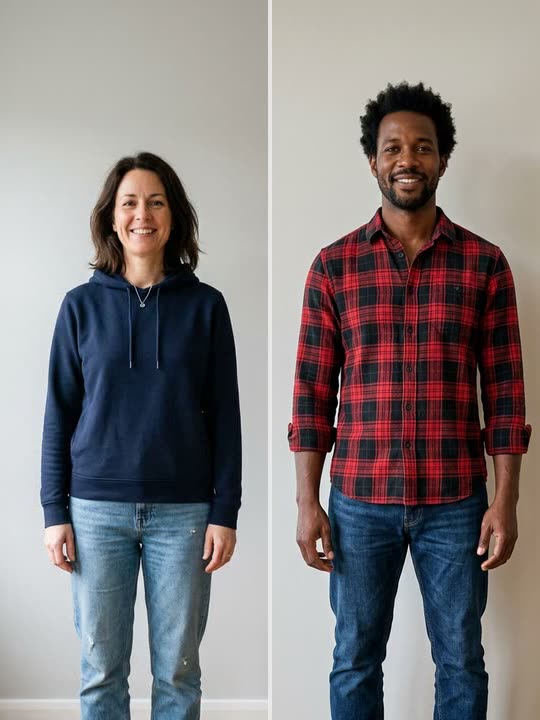
Generated clip
Elf Dance · You in a full elf costume in Santa’s workshop
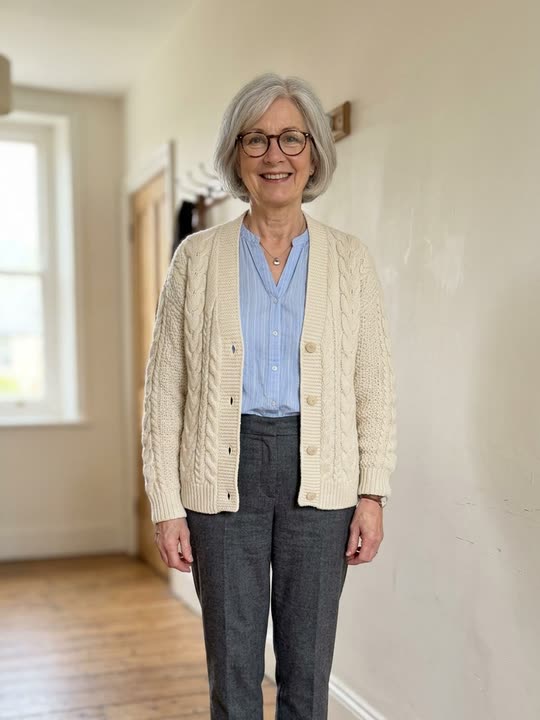
Generated clip
Christmas Party · Your own outfit in a cozy Christmas living room
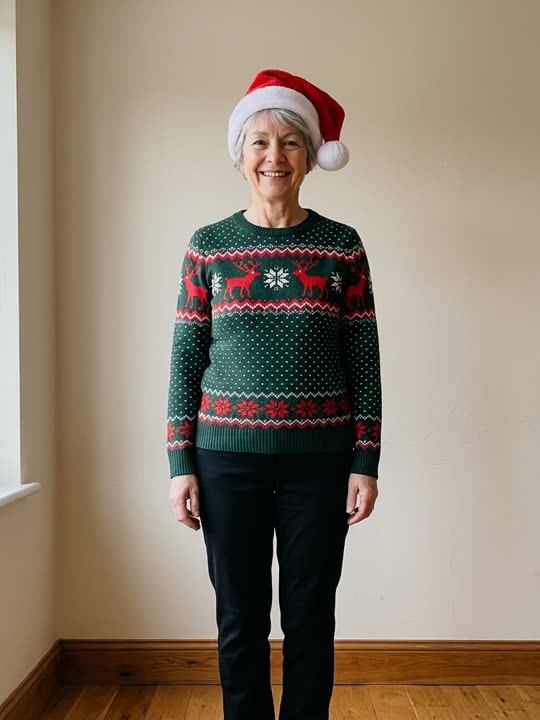
Generated clip
Kitchen Duo · Two photos, the same viral duo in a holiday kitchen
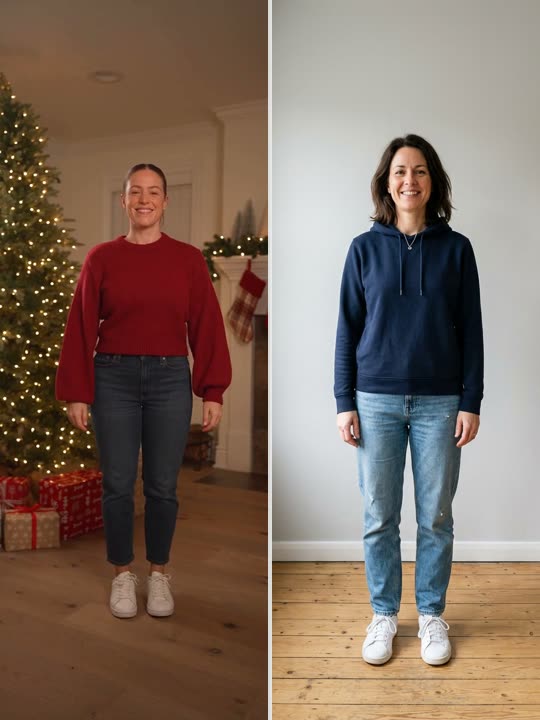
Generated clip
About the trend
What is Christmas Dance?
Every December, feeds fill up with Christmas dance videos: coworkers, parents and friends busting a move in front of a glowing tree. Turning a photo into a dancing holiday greeting has been an online tradition since the mid-2000s, back when it meant a cartoon elf body with your face pasted on top. A Christmas Dance video is the modern version: a short vertical clip in which a real-looking you performs the whole routine.
Christmas Dance AI is an AI Christmas dance video generator with four routines. Elf Dance is the quickest way to turn yourself into an elf: the model keeps your face and hair, dresses you in a full elf costume with the pointy hat and ears, and sets the AI elf dance in Santa’s workshop. Christmas Party keeps your own outfit and puts you in a decorated living room, the classic family Christmas dance. Couple Duo and Kitchen Duo take two photos and recreate the viral Deck the Halls duo dance from TikTok, with its trending sound. Every style gives you a real-looking clip from your own photos, no green screen or Christmas dance filter needed.
Read the full Christmas Dance trend guideAt a glance
Christmas Dance AI specs
- Who can star
- Solo styles: one adult (18+), or one dog or cat. Duo styles: two adults, one photo each. No group photos, no children
- Upload
- One clear photo (two for a duo), JPG, PNG, WebP up to 10 MB each
- Styles
- Elf Dance (full elf costume in Santa’s workshop), Christmas Party (your own outfit in a decorated living room), and Couple Duo and Kitchen Duo (the viral Deck the Halls duo dance for two people)
- Video length
- Solo: 6, 12, 18 seconds. Duo: the full clip, 14–15 seconds depending on the style
- Output
- Vertical 9:16 MP4 with no watermark: 720p for solo styles, 480p for duos
- Sound
- Solo: an original instrumental Christmas track. Duo: the trending Deck the Halls x Blow the Whistle sound from the original clip. You can swap either in TikTok, Instagram or CapCut
- Price
- Solo: 1 credit = 1 second of video, $4.99 for one 6-second video. Duo: 18 credits per video
- Credits
- Pack credits never expire; monthly plans are optional
- Render time
- Usually 2–8 minutes; duo videos about 8–10 minutes
- Failed renders
- Credits refunded automatically
- Sign-in
- Google account
Features
Everything you need for a Christmas Dance clip
One photo is enough
A single clear selfie is all the model needs to rebuild you inside the routine. For a duo, add one photo per person.
Faithful motion
Every step, pause and camera move follows the reference clip frame by frame.
Vertical and ready to post
Exports in 9:16 so it drops straight into Reels, Shorts or TikTok.
Solo or duo
Pick Elf Dance or Christmas Party and pay only for the seconds you render, or pick a duo style for the viral two-person dance at 18 credits a video.
Private by default
Uploads are stored privately, used only for your render and deleted automatically 7 days after upload.
Fair billing
Credit packs never expire and plans can be canceled anytime. If a render fails, the credits go straight back to your balance.
Ideas
What people make with it
Grandma the elf, for the group chat
Make one clip each for the grown-ups in the family (with their OK) and post them together on Christmas morning. Grandma doing the elf dance will be the talk of dinner.
Try it with your photo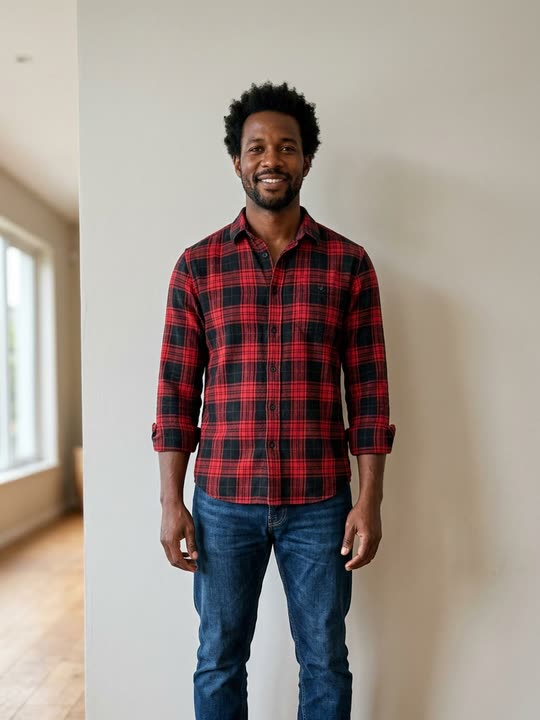
The office party icebreaker
Ask colleagues for a photo, turn the team lead into a dancing elf and play the clip at the party or in the year-end call.
Try it with your photoA greeting card that moves
Swap the photo card for a Christmas party dance in your own outfit. It takes a few minutes and lands straight in Messages, WhatsApp or your Stories.
Try it with your photo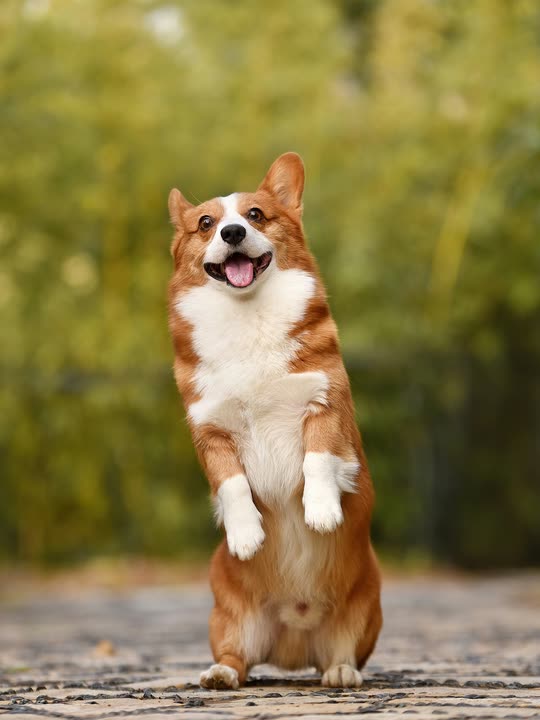
The family dog joins the party
Pets can dance too. Upload a full-body photo of your dog or cat and it dances by the tree on its hind legs. Pet videos vary more than people videos, so start with a short clip.
Try it with your photoPricing
Christmas Dance AI pricing: pay as you go or subscribe
On Christmas Dance AI, 1 credit is 1 second of a solo video and a duo video is a flat 18 credits. Credit packs start at $4.99 and come down to $0.36 per second in the largest pack; they never expire. A subscription is optional and works out to about $0.31 per second monthly or $0.26 yearly.
Subscriptions
Credits are added at the start of every month of your plan and expire when that month ends. Cancel anytime and keep your plan until the period ends. The yearly plan’s 17% saving is against 12 months of the monthly plan ($178.80 a year, $149.00 on the yearly plan).
Monthly
Flexible, cancel anytime
$14.90/ month
48 credits every month
- Credits refresh every month
- All video lengths
- HD MP4 download, no watermark
- Cancel anytime
Yearly
Best value for regular creators
$149.00/ yearSave 17%
$12.42 / month, billed yearly
48 credits every month
- Credits refresh every month
- All video lengths
- HD MP4 download, no watermark
- Cancel anytime
Subscriptions renew automatically at the price shown until you cancel. Unused monthly credits do not roll over.
Credit packs
Single
One 6-second clip
$4.99
6 credits
Makes 1 × 6s video
- Credits never expire
- All video lengths
- HD MP4 download, no watermark
- Automatic refund on failed renders
Starter
Try the trend
$9.90
18 credits
Makes 1 × 18s or 3 × 6s videos
- Credits never expire
- All video lengths
- HD MP4 download, no watermark
- Automatic refund on failed renders
Party
For you and your friends
$19.90
48 credits
Makes 2 × 18s or 8 × 6s videos
- Credits never expire
- All video lengths
- HD MP4 download, no watermark
- Automatic refund on failed renders
Squad
For creators and teams
$29.90
84 credits
Makes 4 × 18s or 14 × 6s videos
- Credits never expire
- All video lengths
- HD MP4 download, no watermark
- Automatic refund on failed renders
Prices in USD. Taxes are calculated at checkout by our payment partner.
What is Christmas Dance AI?
Christmas Dance AI is an online AI tool that turns one photo into a Christmas Dance video: an elf dance in Santa’s workshop in a full elf costume, or a Christmas party dance in a decorated living room in your own outfit. With two photos it makes the viral Deck the Halls duo dance, by a fireplace or in a kitchen.
Why Christmas dance videos come back every yearIs Christmas Dance AI the same as aichristmasdance.com or christmas-dance.com?
No. Christmas Dance AI runs only at christmasdanceai.com. Sites with similar names, including AI Christmas Dance at aichristmasdance.com and Christmas Dance at christmas-dance.com, are separate services run by other people. We have no connection to them and don’t share accounts, credits, prices or support, so check the address bar before you pay.
How the three similar sites differWho runs Christmas Dance AI, and is it legit?
Christmas Dance AI is built and run by an independent developer, not a company, and launched in October 2026. Payments go through Waffo, our merchant-of-record payment partner; we never see your card details. Prices are shown before you pay, failed renders are refunded automatically, photos are deleted automatically 7 days after upload, and support@christmasdanceai.com goes straight to the developer.
Which AI models make the video?
Solo videos are made with two third-party AI models. First, Nano Banana 2 (Google’s Gemini image model) places the person from your photo into the first frame of the dance scene, and for Elf Dance also dresses them in the elf costume; then Kling 2.6 (by Kuaishou) animates that frame to follow the dance routine. Both run on their providers’ servers through our AI API provider and receive your photo only to render the video you request. Duo videos use Genjutsu 1.0 through NanoAPI, which animates both photos directly with the moves from the original TikTok clip; NanoAPI does not say who develops the model.
Which photo works best?
A recent, sharp photo of one adult, or one dog or cat, facing the camera. For a person, full body or at least waist up in even light works best; for a pet, use a full-body shot with the face clearly visible. Group shots, sunglasses and strong filters lower the quality. For a duo, use one such photo per adult.
Photo tips for a better Christmas Dance AI videoCan I turn myself into an elf?
Yes. Pick Elf Dance and the video dresses you in a full elf costume (green tunic, red tights, pointy hat and ears, curly shoes) and sets the dance in Santa’s workshop. You don’t need a costume in your photo, just a clear view of your face.
How the AI elf dance worksWhat is the difference between Elf Dance and Christmas Party?
Elf Dance swaps your clothes for an elf costume and puts you in Santa’s workshop. Christmas Party keeps the outfit from your photo and puts you in a cozy living room with a tree and a fireplace, so a Santa hat or an ugly sweater in the photo shows up in the video. Each style has its own routine; both come in the same lengths at the same price.
What to wear for a Christmas dance photoCan two people dance together in one video?
Yes. Pick Couple Duo or Kitchen Duo and add two photos, one per adult: the first becomes the dancer on the left, the second the dancer on the right. The video follows the viral Deck the Halls duo dance from TikTok move for move and keeps the scene and trending sound of the original clip. A duo video costs 18 credits for the full clip (14–15 seconds, depending on the style) at 480p. We have tested duos with people only, not pets.
Who can star: adults, couples and petsSolo or duo: what is the difference?
A solo video on Christmas Dance AI takes one photo of one adult or one pet and comes in 6/12/18-second lengths at 720p, in Elf Dance or Christmas Party. A duo video takes two photos, one per adult, and is the full 14–15-second Deck the Halls routine at 480p, in Couple Duo or Kitchen Duo. Both are vertical 9:16 MP4s without a watermark.
How the two-photo couple dance worksWhere do the duo dance clips come from?
They are real TikTok videos of the trend: the couple by the fireplace is from @notnataliereynoldss and the kitchen duo is from @everydaywithericksons, credited on every sample. Christmas Dance AI is not affiliated with these creators or with TikTok. If you made one of these clips or own the rights to its sound and want it removed, email support@christmasdanceai.com and we will take that style down.
Can I make one for my kids?
No. To protect children we only accept photos of adults (18+); uploading a photo of a minor breaks our terms and the video will be removed. For the family group chat, make clips of the grown-ups: parents, grandparents, aunts and uncles, each with their permission.
Family, couple and pet videosCan I make one with my dog or cat?
Yes. Upload a clear, full-body photo of one pet and pick Christmas Party: your dog or cat dances upright on its hind legs by the tree, with its own fur and paws. Elf Dance also works but often gives your pet a person-shaped elf body. The routines were made for a human dancer, so pet videos vary more than people videos, and paws can look odd in fast arm moves.
Pet Christmas dance videosHow long does a render take?
Most videos finish in 2–8 minutes depending on length and queue; duo videos take about 8–10 minutes. You can close the page; finished videos wait in My videos.
Video length, format and soundDoes the video have sound or music?
Yes. Each solo style comes with its own short instrumental Christmas track, made for this site with Eleven Music, so the video plays with sound in WhatsApp or Messages. It is original music, not a chart song. Duo videos keep the trending “Deck the Halls x Blow the Whistle” sound by DJ Izzy Duzzit from the original clip; if an app mutes it, add the same sound from that app’s library. To post with a different song, turn the original sound down in TikTok, Instagram or CapCut and add your own.
Add music to your Christmas dance videoHow much does a Christmas Dance AI video cost?
On Christmas Dance AI, a solo video costs 1 credit per second and a duo video costs a flat 18 credits, not a per-second price. Credit packs start at $4.99 for 6 credits. Christmas Dance AI (christmasdanceai.com) is a separate site with its own prices: $9.99 is the price at christmas-dance.com, not at Christmas Dance AI, where prices start at $4.99.
Christmas dance video prices comparedHow do credits work?
Each second of a solo video costs one credit, and a duo video costs 18 credits. Credits from packs never expire; subscription credits are added every month and expire at the end of that month. Renders use the credits that expire soonest first, and credits are refunded automatically if a render fails.
Is Christmas Dance AI free?
No. Every video runs on paid AI models, so there are no free renders. The smallest pack is $4.99 for 6 credits, enough for 1 6-second video; bigger packs bring it down to $0.36 per second. Failed renders are refunded automatically.
What a Christmas Dance AI video costsDo I need a subscription to use Christmas Dance AI?
No. You can buy a credit pack once and its credits never expire. A subscription is optional: $14.90 per month for 48 credits a month (about $0.31 per second) or $149.00 per year for 48 credits a month (about $0.26 per second). Subscription credits expire at the end of each month, and you can cancel anytime.
How do I cancel my subscription?
Open My account → Billing and choose Cancel renewal. You won’t be charged again, and your plan and credits stay available until the end of the current period.
Can I use someone else’s photo?
Only with their permission, and never photos of minors, celebrities or public figures. Accounts that break this rule are closed.
What happens to my photos?
Uploads are private, used only to make your video and deleted automatically 7 days after upload. Finished videos are kept for 30 days after they finish. Deleting your account removes everything we store right away. To render a solo video, the photo is sent to Google’s and Kuaishou’s AI models through our AI API provider, which deletes its copy after 7 days. Duo photos go to Genjutsu through NanoAPI instead. NanoAPI fetches them only while the job runs, has Dodo Payments check the photos first (the check record is kept for up to 180 days), deletes its copy of the finished video after 15 days and states that it does not use inputs to train AI models; the model providers it uses handle data under their own terms. The Privacy Policy lists what each provider keeps.
Your Christmas Dance video is a photo or two away
Upload a photo, or two for a duo, pick a style and send the dancing greeting before the holidays sneak up on you.
Create my video · $4.99+